A card inventory sounds simple until you actually need one. The moment you try to find a specific parallel, verify what you paid, remember whether a flaw was present when you bought it, or prepare cards for grading or sale, a casual list of player names stops being enough.
The most useful inventory is not just a count of what you own. It is a proof file for each card: your own images, exact identifying details, raw-condition observations kept separate from any professional grade, and a purchase trail you can still retrieve years later. If you build those four pillars into your system from the start, even a basic spreadsheet can become a genuinely reliable collecting tool.
Start with the goal: your inventory should answer future questions, not just log ownership
Collectors often begin with a simple spreadsheet column for player, set and quantity. That is better than nothing, but it usually breaks down when the real questions arrive. Is this the blue parallel or the teal one? Did the corner issue appear before you received it? Was this the copy tied to a specific order number? Is the slab cert already recorded, or do you have to pull the card again to check?
A practical inventory works backward from those moments. PSA’s identification guidance emphasizes core searchable details such as year printed, manufacturer, set, player, card number and parallel, and it notes that more information improves search accuracy and that the card should be confirmed against the result. That is a good reminder that the inventory’s job is precision, not just memory. When you treat every entry as something another person could identify without holding the card, your records become dramatically more useful.
This also changes how you think about effort. You do not need a museum database on day one. You do need enough detail that six months from now you can distinguish similar cards, assess condition consistently, and reconnect an item to its purchase history. That means the right minimum is not the smallest possible list of columns. It is the smallest set of fields that still lets you answer your likely future questions without starting over.
- Useful test: can you identify the exact card from the record alone?
- Useful test: can you describe the card’s visible flaws without pulling it from storage?
- Useful test: can you prove when and where you bought it?
Photos first: build every record around your own images
If you only upgrade one part of your inventory, make it photography. eBay’s trading-card listing guidance says sellers should use their own pictures, can add up to 24 images, and should include the front and back plus clear photos of unique details, blemishes or other imperfections. That selling advice also makes excellent inventory advice, because the same images that help a buyer evaluate a card help you document what you own and what condition it was in when recorded.
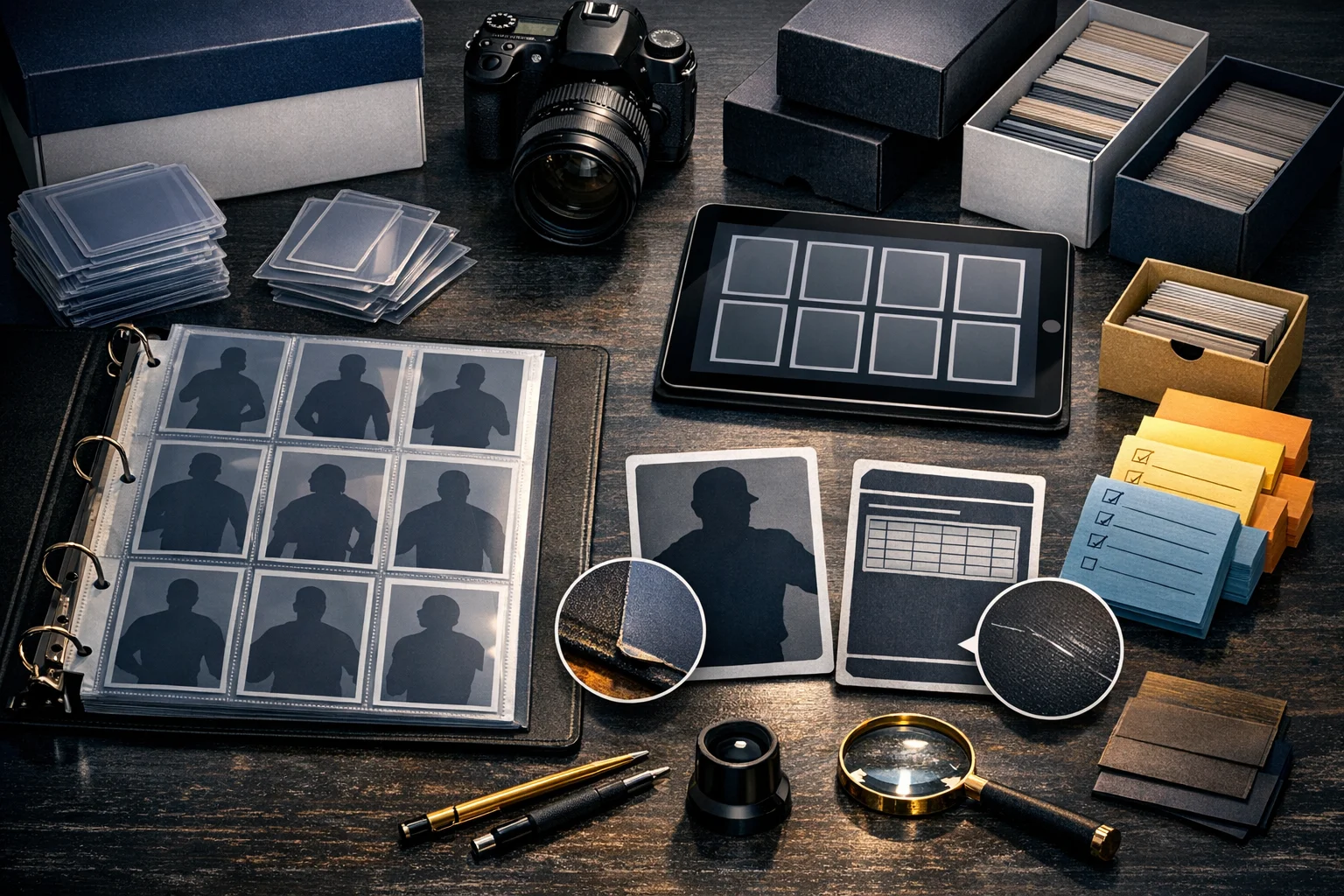
For most collectors, the best baseline is simple: one clear front image, one clear back image, and targeted close-ups for anything that matters. That can mean corners on a vintage card, surface foil on a chromium card, a serial number stamp, an autograph area, a patch window, or any flaw that might matter later. You do not need 24 images for every base card, but you do want enough coverage to avoid ambiguity.
A strong practical workflow is to photograph cards in tiers. For low-value commons or bulk inserts, front and back may be enough. For cards you may grade, sell individually or insure, add close-ups under angled light so surface issues are visible. For premium cards, include every material detail you would want if you were the buyer: front, back, corners, edges, surface glare, and numbered or authenticated elements. The tradeoff is time. More photos mean slower intake and larger storage needs. But if you have ever tried to remember whether a print line was always there, the value of image documentation becomes obvious quickly.
One more useful habit is to record the date the photos were taken and where the original files are stored. That field is not glamorous, but it gives context. If a card is later reholdered, cleaned up in appearance by a new sleeve, or damaged after submission handling, your earlier image set becomes a timestamped reference point rather than just a random gallery in your phone.
- Minimum standard for important cards: front, back, and flaw or feature close-ups
- For serial-numbered cards: include a photo where the numbering is legible
- For autograph or memorabilia cards: photograph the signed area or swatch window closely
- Add a photo date and file-location field so images stay connected to the entry
Identification fields matter most when cards look almost identical
The hobby is full of cards that are easy to confuse. A base rookie can sit beside multiple parallels. Two cards can share the same player, photo and year but differ by set, variation code or print run. Prospect issues, college products, flagship rookie cards and update releases can all blur together if your inventory relies on shorthand. That is why exact identification fields are the backbone of the entire system.
PSA’s starting point is clear: year printed, manufacturer, set, player or character, card number and parallel if applicable. Those should be treated as non-negotiable fields for a sports-card inventory. From there, many collectors will benefit from adding sport, team, variation, rookie designation, serial number or print run, and grading-company certification number if slabbed. Those extra fields are practical inventory choices, not universal mandates, but they solve real hobby problems.
The easiest mistake is using the language you would use in conversation instead of the language you would need for retrieval. ‘2024 Chrome Ohtani refractor’ may feel good enough today. It is much less helpful when you later own multiple Ohtani Chrome issues or need to match the card against a marketplace record. A more useful entry would separate each identification piece into its own field: year, manufacturer, set, player, card number, parallel, and numbering if present. That format lets you sort, filter and search far more effectively than one long title cell.
A practical example: suppose you own two cards of the same player from the same release, one base and one numbered parallel. If your inventory lists both simply as the set and player, you have created future confusion. If one entry says parallel ‘Gold’ and serial number ‘14/50’ while the other says ‘Base,’ you can locate, compare and value those cards with much less friction. Precision here saves time everywhere else in the process.
- Core fields: year, manufacturer, set, player, card number, parallel
- Recommended add-ons: sport, team, variation, rookie flag, serial number, grader cert
- Keep identification in separate columns instead of one long description
Separate raw condition notes from professional grades
One of the biggest inventory mistakes is mixing your own condition opinion with a third-party grade as though they were the same thing. They are not. eBay’s card condition guide explicitly says its framework applies to raw or ungraded item conditions only and does not relate to the grade of a card, which must be determined by a professional grader. PSA also distinguishes authentication from grading, and its getting-started guidance treats condition review as its own exercise.
This separation makes your records cleaner and more honest. A raw card entry should include your observable notes: centering, corners, edges, surface, creases or wrinkles, staining or discoloration, scratches or scuffs, and any obvious damage. If the card is later graded, the professional result should live in a separate grade field, with subgrades or grader notes added if available. That way your inventory preserves both what you saw and what the grading company concluded.
This distinction matters because a card can look strong overall while still having one flaw that changes how a marketplace or grader will view it. eBay notes that the most significant flaw will anchor the condition of the card. That is a valuable inventory principle even outside selling. You may have a glossy card with great corners and edges but a visible indentation. If your notes bury that issue under a vague condition label like ‘nice copy,’ your record is not helping you. A dedicated ‘most significant flaw’ field forces clarity.
For collectors who dislike condition subjectivity, the solution is not to avoid notes. It is to make notes more specific. Instead of ‘NM maybe,’ try ‘slightly soft top-right corner, light surface line under angled light, back centering visibly off left to right.’ That language is more useful during a future sale, grading submission, or insurance review because it documents what can be observed rather than pretending to predict a final grade.
- Use one field for your raw condition estimate and separate fields for observed defects
- Add a dedicated ‘most significant flaw’ line for fast review
- Do not overwrite your raw notes after grading; keep both records
Use condition categories that match how graders and buyers actually look at cards
If you want an inventory that translates well across grading, selling and personal organization, organize your defect notes around the categories that recur in major hobby systems. PSA says condition review should examine surface, edges, centering, folds or creases, staining and damage. Beckett says cards are assessed across four criteria: centering, corners, edges and surface, and those scores appear on the label. PSA’s grader-notes feature also organizes defects by corners, edges, surface and centering. Together, those frameworks point toward an inventory structure that is both familiar and practical.
That does not mean your inventory has to imitate any one company’s exact grading form. It means your categories should be legible to the hobby. A good layout is: centering notes, corner notes, edge notes, surface notes, plus separate check fields for creases, indentations, scratches, scuffs, staining and discoloration. This prevents the common problem of dumping every observation into one comment box that becomes impossible to scan later.
There is also a useful tradeoff to understand. The more granular your notes, the slower the intake. If you have thousands of cards, you may not want eight condition fields for every base veteran. A tiered approach works better. For lower-priority cards, keep a brief raw condition tier plus one notes field. For cards you may grade or sell individually, break the observations out in full. That keeps the system sustainable while preserving detail where it matters most.
Collectors sometimes worry that detailed notes make a card sound worse than it is. In practice, the opposite is usually true. Specificity creates confidence. A record that says ‘surface clean to the eye, faint print line only under angled light’ is more helpful than a fuzzy label like ‘excellent.’ It also reduces future self-deception. If you later consider submitting the card, the inventory is already telling you what the likely sticking points are.
- Borrow the hobby’s common categories: centering, corners, edges, surface
- Add separate issue flags for creases, indentations, scratches, staining and discoloration
- Use full granularity for cards you may grade, sell or insure
Purchase records are not bookkeeping fluff; they are part of the card’s file
Many collectors treat purchase details as optional until they need them for a return, a dispute, tax records, an insurance claim or a future sale. At that point, reconstructing the trail can be surprisingly frustrating. eBay says purchase history shows orders from the past seven years, and order details can include shipping address, order number and tracking details. It also notes that guest purchases do not appear in purchase history, which means the confirmation email becomes the record you need to keep.
The practical lesson is straightforward: save the trail while it is easy to capture. A useful inventory should include purchase date, seller or dealer name, platform or venue, price paid, tax, shipping, order number, item or listing reference, and whether a receipt or confirmation email has been saved. Some of those fields are personal bookkeeping choices, but they make the inventory more durable than relying on a marketplace dashboard alone.
This is especially important for long-term collectors. Seven years is generous for an online platform, but many collections outlast platform retention windows, email migrations and broken links. If the inventory is meant to serve the collection over decades, it should not depend entirely on outside systems. A screenshot, PDF invoice, or saved order email linked to the card entry can preserve the purchase record even if the listing disappears.
A practical scenario makes the value clear. Imagine you own two copies of the same star’s parallel, purchased months apart from different sellers at different prices. Without order numbers or saved receipts, you may not know which copy came from which deal, especially after re-sleeving or moving boxes. With a simple purchase trail tied to the exact inventory row, you can recover that history quickly. That matters not only for resale math, but also for tracking where a problem card came from if an issue later emerges.
- Record order numbers when a platform provides them
- Save guest-purchase emails because they may not appear in account history
- Attach or note the location of invoices, screenshots or PDF receipts
Build a tiered template so the system stays maintainable
A perfect inventory that you never finish is less useful than a good inventory you can actually keep current. The smartest way to avoid burnout is to build in levels of detail. Not every card deserves the same effort. A duplicate base card in a storage box does not need the same documentation as a serial-numbered rookie auto you might grade, trade or insure.
One practical model is a three-tier system. Tier one is bulk: basic identification, quantity, and storage location. Tier two is keeper singles: front and back photos, full identification fields, a simple raw condition assessment and purchase basics. Tier three is high-priority cards: complete photo set, detailed condition notes broken into categories, slab cert if applicable, and full receipt trail. This keeps your system realistic while still aligning effort with card importance.
The key is consistency within each tier. If one high-end card gets ten fields and the next gets three because you were tired that night, the inventory becomes uneven and less trustworthy. Templates help. Create a fixed intake checklist for each tier so you can process cards without reinventing the workflow every time.
The honest tradeoff is that tiered systems add a little complexity up front. You have to decide what qualifies for more detail. But the payoff is major. Collectors with growing inventories usually quit when the system demands the same intensive work for every card. A tiered structure prevents that collapse by protecting your time without sacrificing rigor where rigor counts.
- Tier 1: bulk cards with minimal fields
- Tier 2: personal-collection singles with full ID, front/back photos and purchase basics
- Tier 3: premium cards with detailed condition and full documentation
- Set written rules for what moves a card into a higher tier
Use scanners and auto-matching as helpers, not final truth
Digital tools can speed up inventory work, especially when you are processing many modern cards. But convenience has a risk: it encourages collectors to accept matches without verifying them. PSA’s guidance says the more information you provide, the more accurate your search results will be, and that you should confirm your card matches those results. eBay’s scan-to-list guidance similarly places responsibility for the listing details on the seller even when scan-based matching is used. The broader lesson is that automation can assist identification, but it does not replace collector review.
This matters because near-matches are common. A scanner may pick the base card when yours is a parallel. It may match the wrong year, miss a variation, or fail to distinguish a similarly designed update issue. If that imperfect match feeds your inventory, every later use of the record inherits the error. The card becomes harder to find, easier to misprice and more awkward to describe accurately.
The solution is to create a verification habit. After any auto-filled result, compare the year, manufacturer, set, card number and parallel against the physical card and your own images. If the card is serial-numbered, confirm that field manually. If it is slabbed, verify the cert. This only adds a few seconds, but it prevents the sort of silent metadata drift that makes large inventories unreliable.
This is a good place to be honest about priorities. For low-value bulk, you may choose to accept faster, looser identification. That can be reasonable. But for cards with real grading, selling or insurance potential, manual confirmation is worth the extra effort because an accurate record has far more long-term value than a fast wrong one.
- Let automation populate fields, but review every important entry manually
- Always verify year, set, card number and parallel
- Manually enter serial numbers and certification numbers for key cards
A workable card-inventory checklist for your next intake session
If your current system is messy, the fix does not have to be dramatic. Start with the next stack of cards you bring in rather than trying to rebuild the entire collection in one exhausting weekend. A useful intake routine is to process each card in the same order: identify it precisely, photograph it, note raw condition, record any third-party grade separately, and attach the purchase trail. Repetition is what turns inventory from a postponed project into a normal collecting habit.
A good first pass is to focus on the cards most likely to create future friction: premium singles, serial-numbered parallels, autographs, memorabilia cards, rookie cards you may sell or grade, and any card where condition is likely to matter. As those are completed, work backward into the rest of the collection. This gives you the biggest practical return early instead of spending hours perfecting low-stakes bulk entries.
Subjective preference does play a role in how elaborate your system becomes. Some collectors like image-rich cataloging software; others prefer a lean spreadsheet plus cloud folders. Some want detailed flaw tags; others only need a concise observations box. Those are design choices. The non-negotiable idea is simpler: your records should preserve enough evidence that you can identify the exact card, describe what it looked like, and reconnect it to its acquisition history later.
If you want one standard to remember, make it this: an inventory should let future-you handle the card without having the card in hand. When your photos, identification fields, condition notes and purchase records all work together, the collection becomes easier to manage, easier to evaluate and much easier to trust.
- For every important card, capture: front image, back image, exact ID, raw notes, grade if any, purchase record
- Process new cards immediately instead of saving everything for a backlog day
- Start with cards that are valuable, gradeable, serial-numbered or easy to confuse
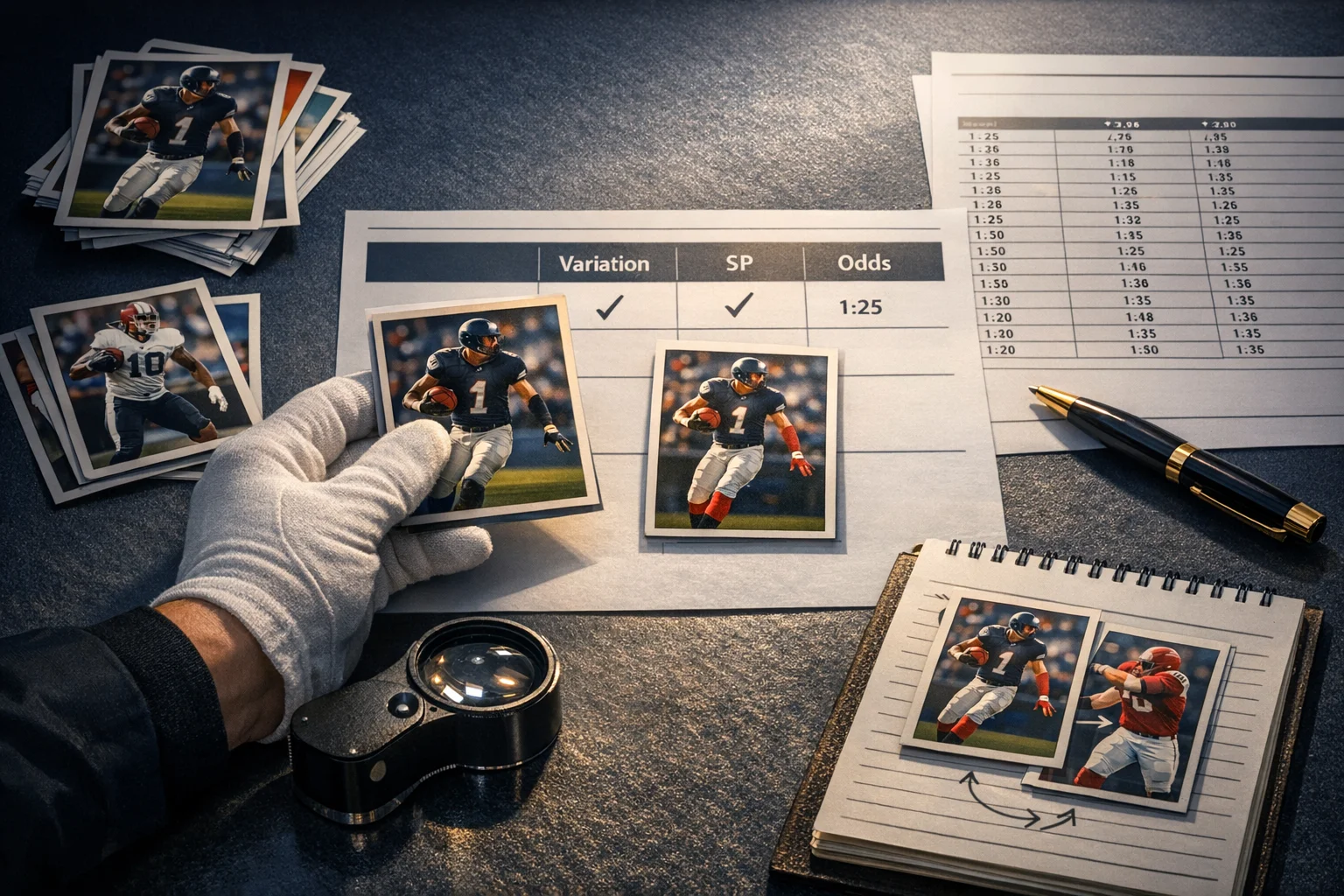
Illustration generated for this guide; not a photograph of an actual card, product or event.
Photo Gallery